1
Snap your desk
Upload a front workstation photo and one side sitting or standing photo.
AI ergonomic analysis
Snap your desk, describe your day, and get a visual workstation report plus a 30-second fix reel built for remote work routines.
report target
visual panels
fix reel
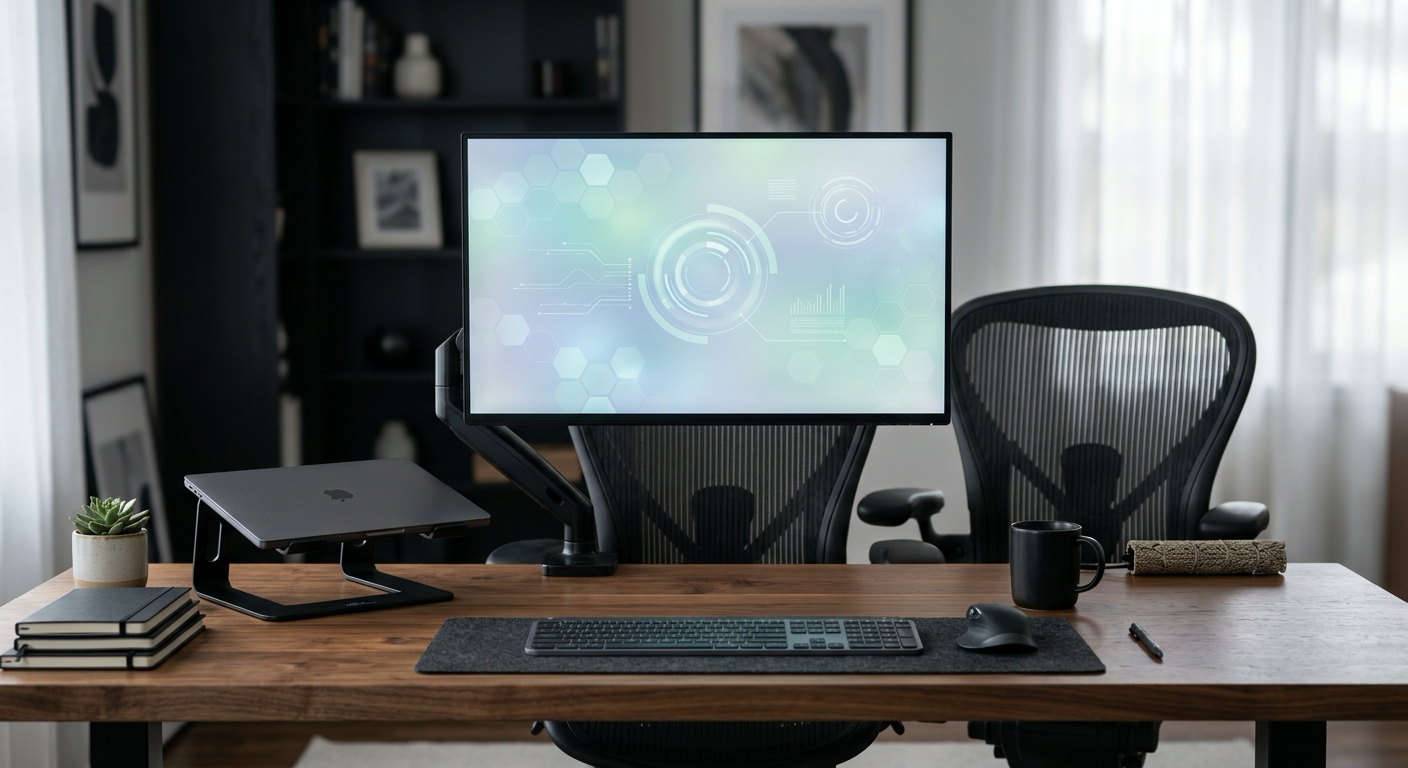
workflow
Upload a front workstation photo and one side sitting or standing photo.
Receive four panels: annotated setup, improved comparison, metrics, and shopping-safe changes.
Export a 30-second video package with subtitles, music preset, and weekly revisit prompt.
visual deliverables
Posturely packages AI ergonomic analysis into search-friendly and user-readable assets: side posture review, printable report panels, equipment alternatives, and video-ready posture references.
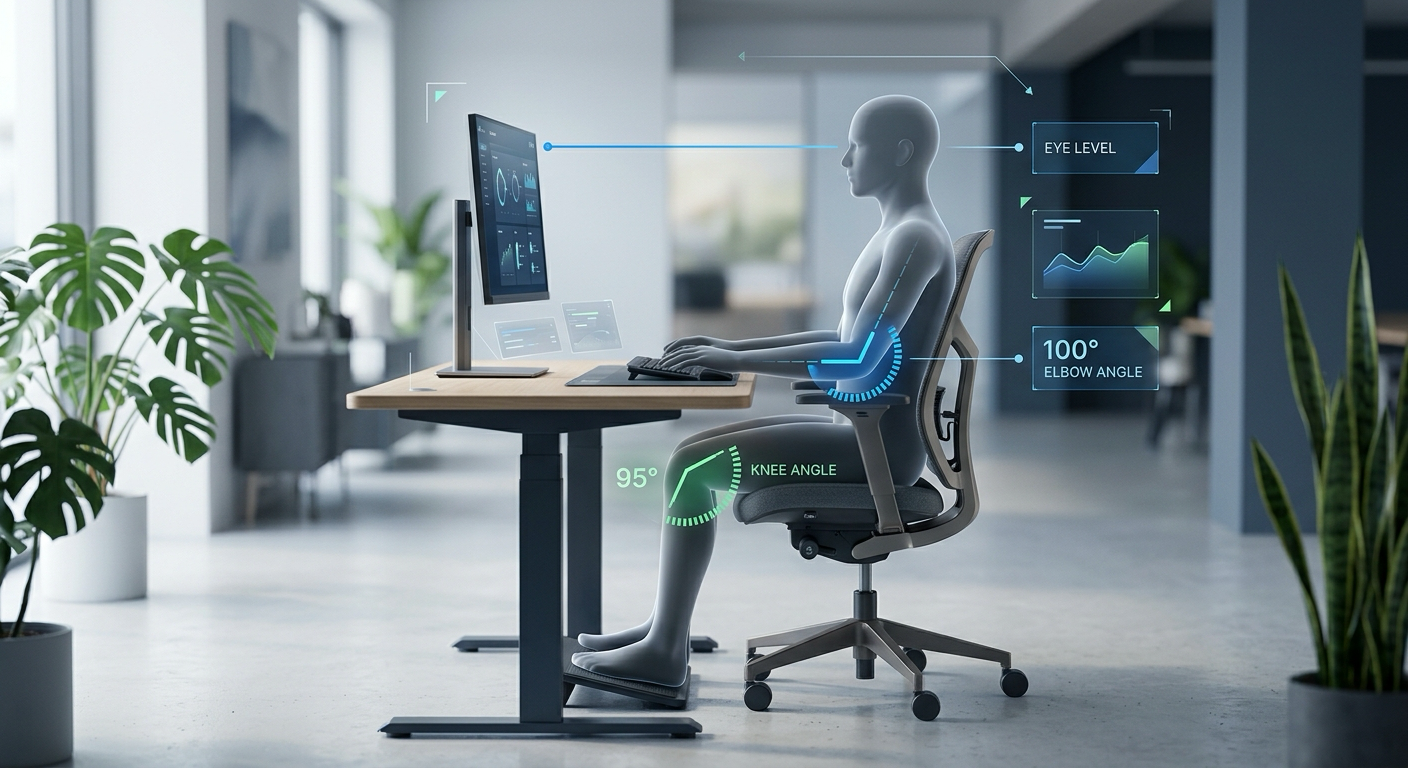
A side-view guide for eye line, elbow angle, knee angle, and monitor distance. Built for workstation setup review, not clinical judgement.
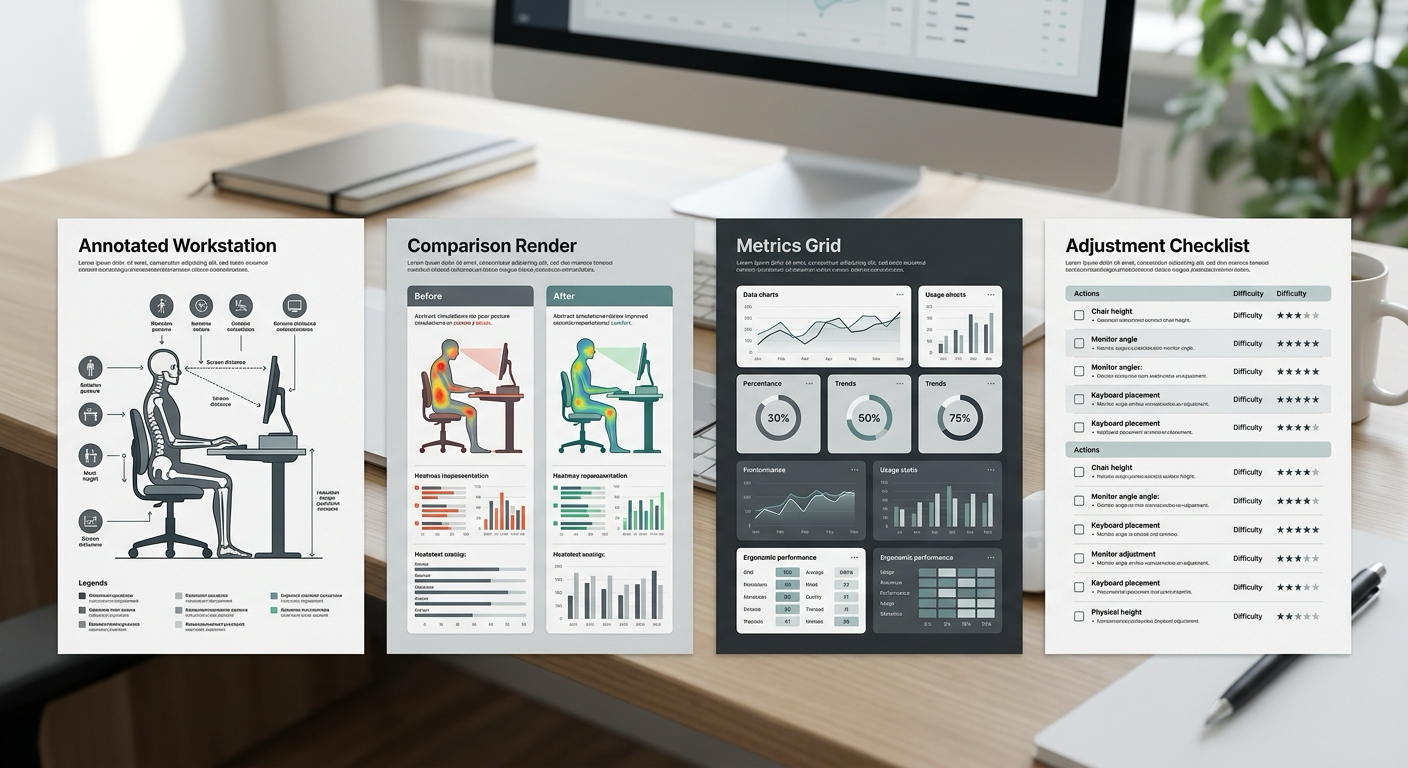
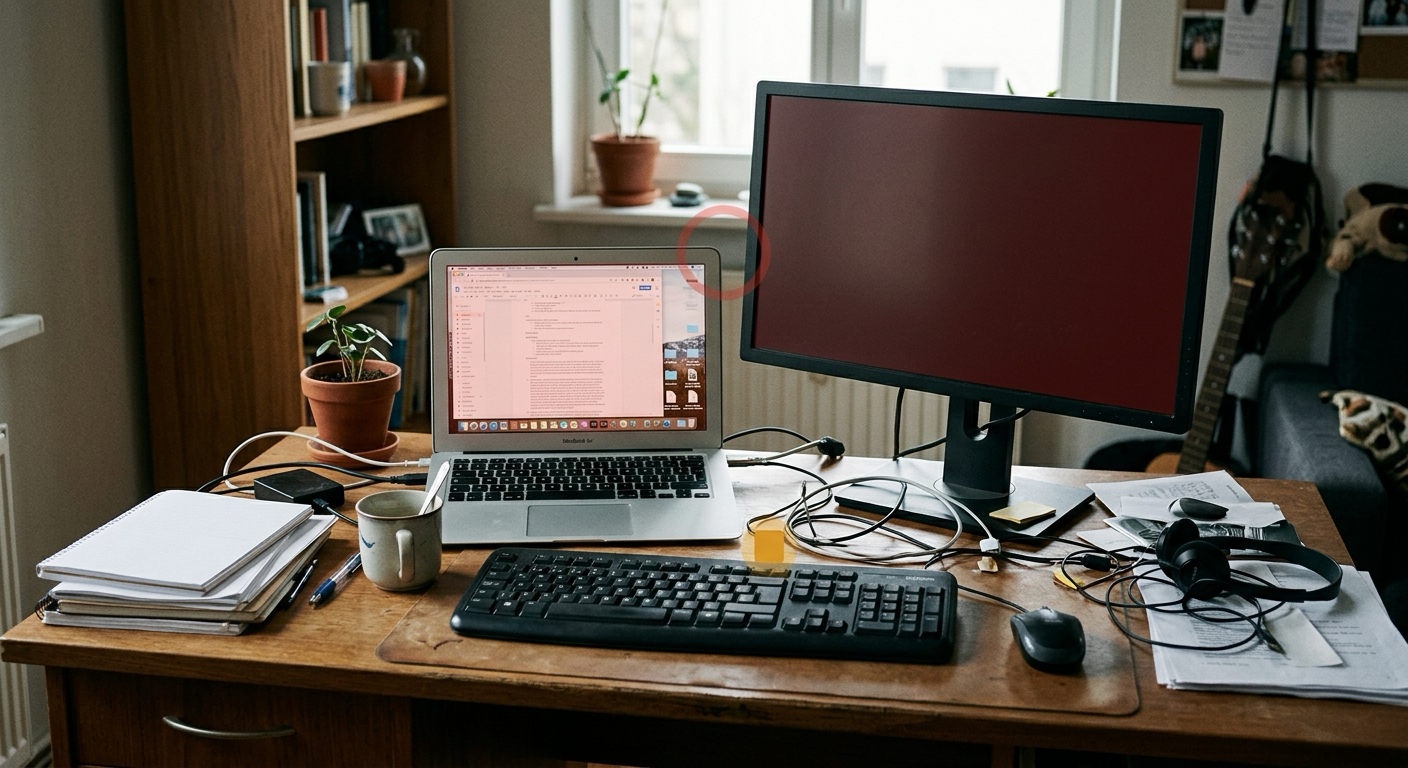
A printable report set covering the current workstation, improved comparison, metric table, and change list.
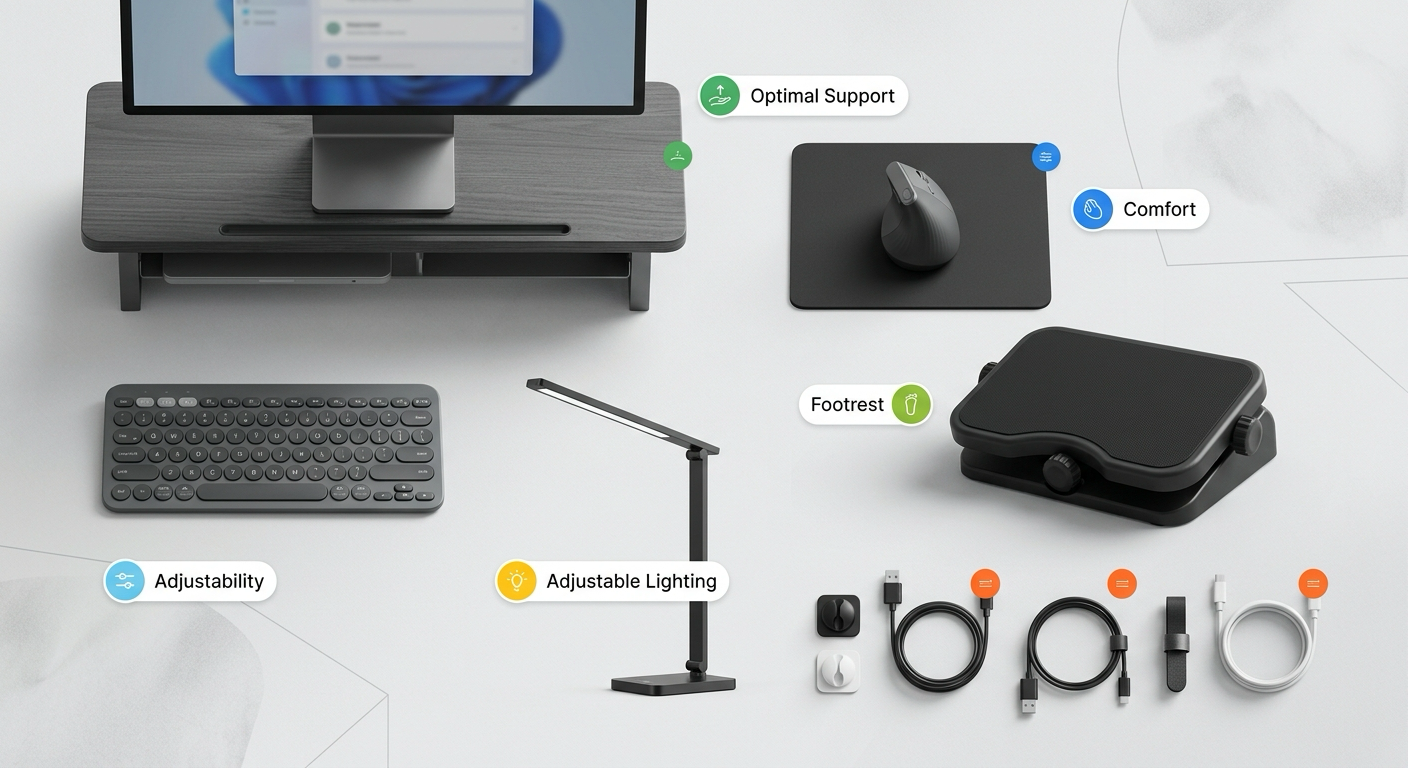
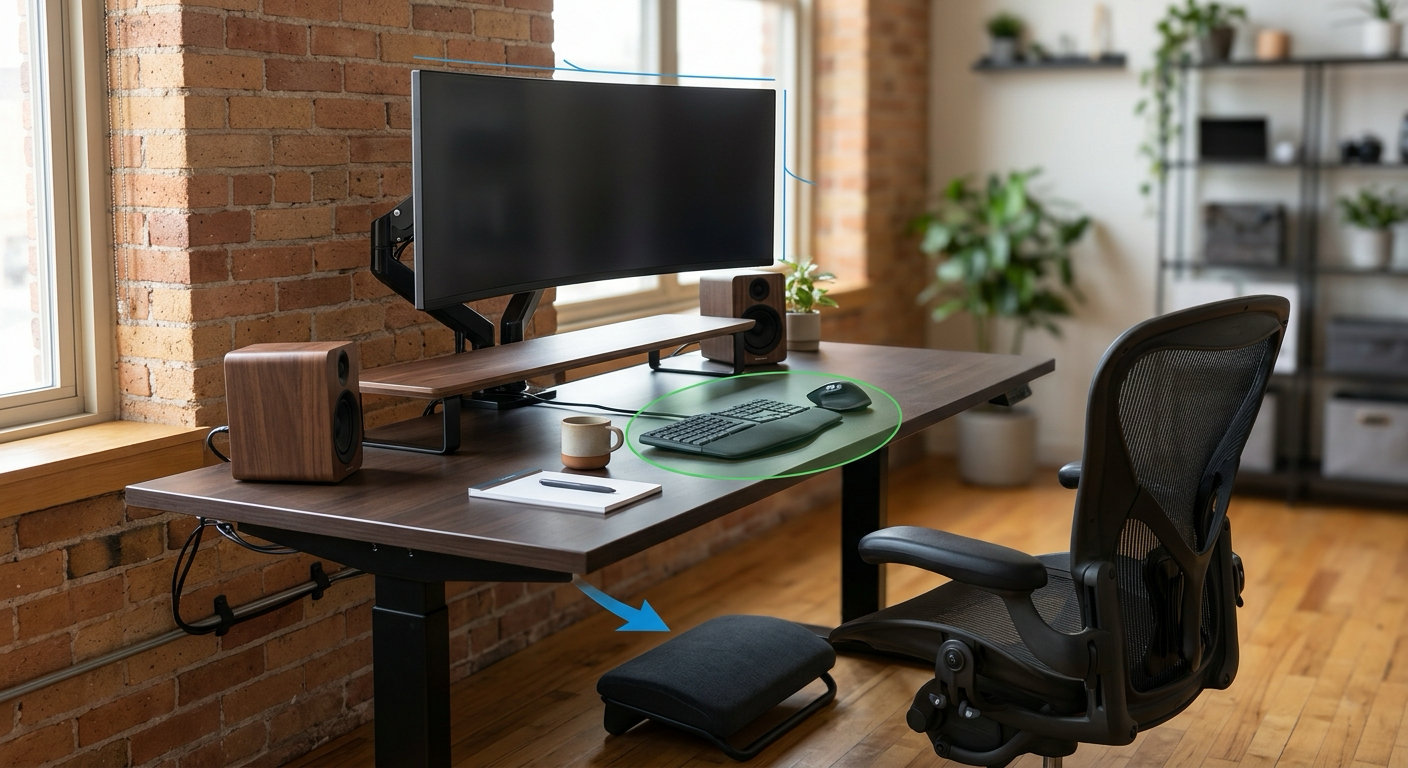
A practical board for monitor risers, keyboard position, foot support, lighting, cable routing, and low-cost alternatives.
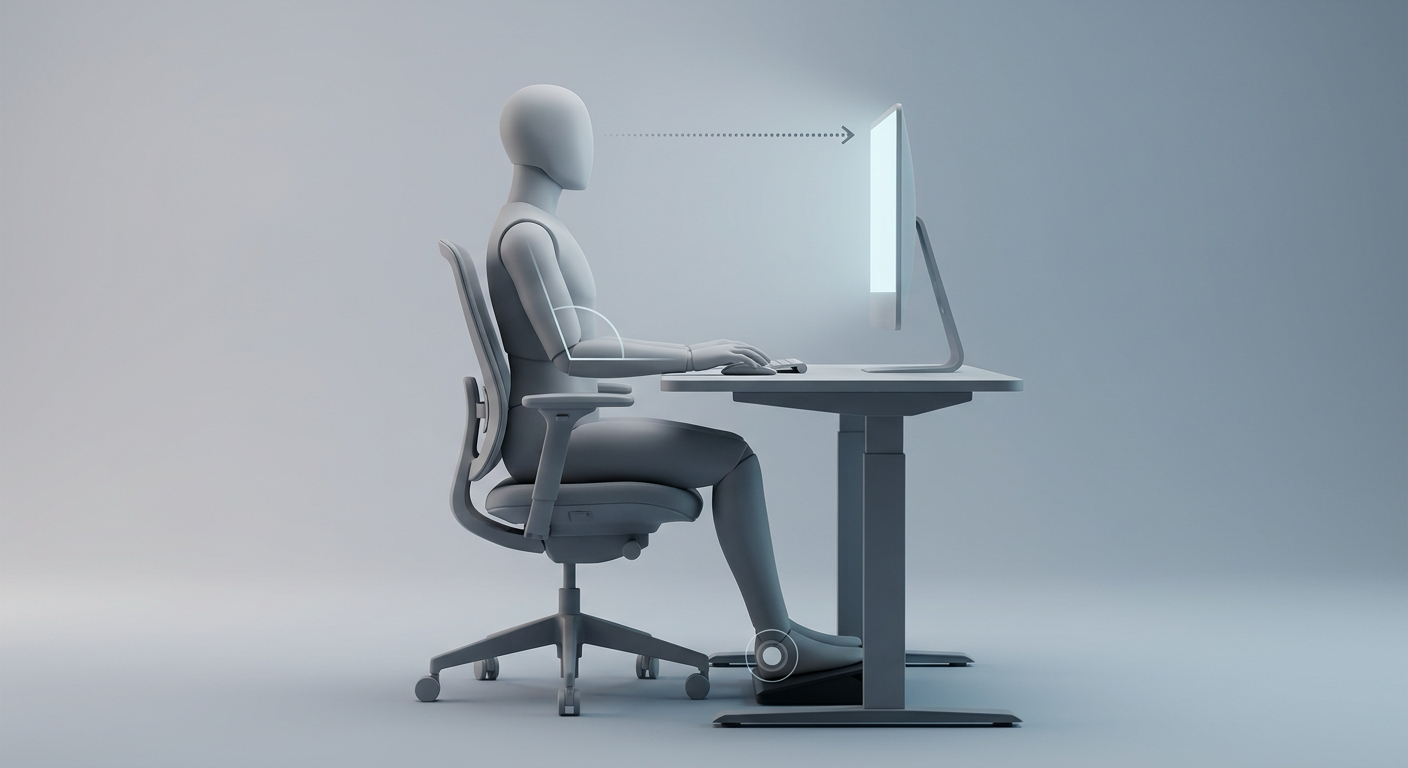
A clean visual reference for the 15-second sitting or standing posture short included in the AI video package.
annotated report
Raise the display, reduce forward neck angle, and keep the primary window centered.
Bring keyboard and mouse closer, flatten wrist extension, and avoid reaching across the desk.
Keep feet supported, let shoulders drop, and use a cushion only when it improves hip angle.
video exports
Hover a reel card to reveal actions. The video asset shows the intended AI-generated fix reel experience for workstation resets.
30-second before-after reel with callouts, music preset, subtitles, and export packaging.
30-second before-after reel with callouts, music preset, subtitles, and export packaging.
30-second before-after reel with callouts, music preset, subtitles, and export packaging.
30-second before-after reel with callouts, music preset, subtitles, and export packaging.
search context
Posturely turns desk photos and workday notes into a practical workstation report for monitor height, screen distance, keyboard reach, wrist angle, chair position, foot support, lighting, and break cadence.
The workflow is designed for self-serve workstation improvement. It avoids clinical positioning, workplace injury decisions, disability assessment, and insurance claim language.
Users can plan around printable image reports, 9:16 social-ready summaries, MP4 fix reels, and a 4-week revisit prompt for checking whether workspace changes still make sense.
Pricing copy explains subscription renewal, credit-pack use, support routes, refund review, and the expected card statement descriptor so customers can recognise a purchase before contacting their issuer.
The product language asks for desk context rather than identity recognition, sets consent expectations for photos, and explains that uploaded assets are processed for the requested output.
pricing preview
evidence from remote workers
The report caught my laptop height problem faster than any checklist I had tried.
I changed chair height and screen distance before buying anything expensive.
The fix reel made it easy to remember what to reset at the start of the week.
FAQ
No. Photos are processed to generate your requested outputs and are not used to train third-party foundation models unless you separately opt in.
No. Posturely is a workstation assistance tool, not a substitute for a physician, clinician, chiropractor, or occupational health consultant. Ongoing pain, numbness, tingling, or weakness needs professional help.
Yes. Paid subscriptions can be cancelled before the next renewal through billing settings or support.
Subscription credits are service allowances for Posturely features. Paid credit packs remain available for eligible account usage unless expired or refunded under the policy.
We review duplicate charges, verified delivery failures, and unused accidental credit purchases. Completed AI outputs and consumed credits are usually not refundable unless required by law.
People with chronic pain, pregnancy-related concerns, disability-related needs, or recent injuries should consult an appropriate professional before applying AI suggestions.
start when your desk is set
Focus, Cinematic Quiet, Lab, Strings, and Ambient.
A4 portrait and social-ready output planning.
The product stays in workstation assistance territory.
Vertical, square, and wide output formats are represented in the app.